
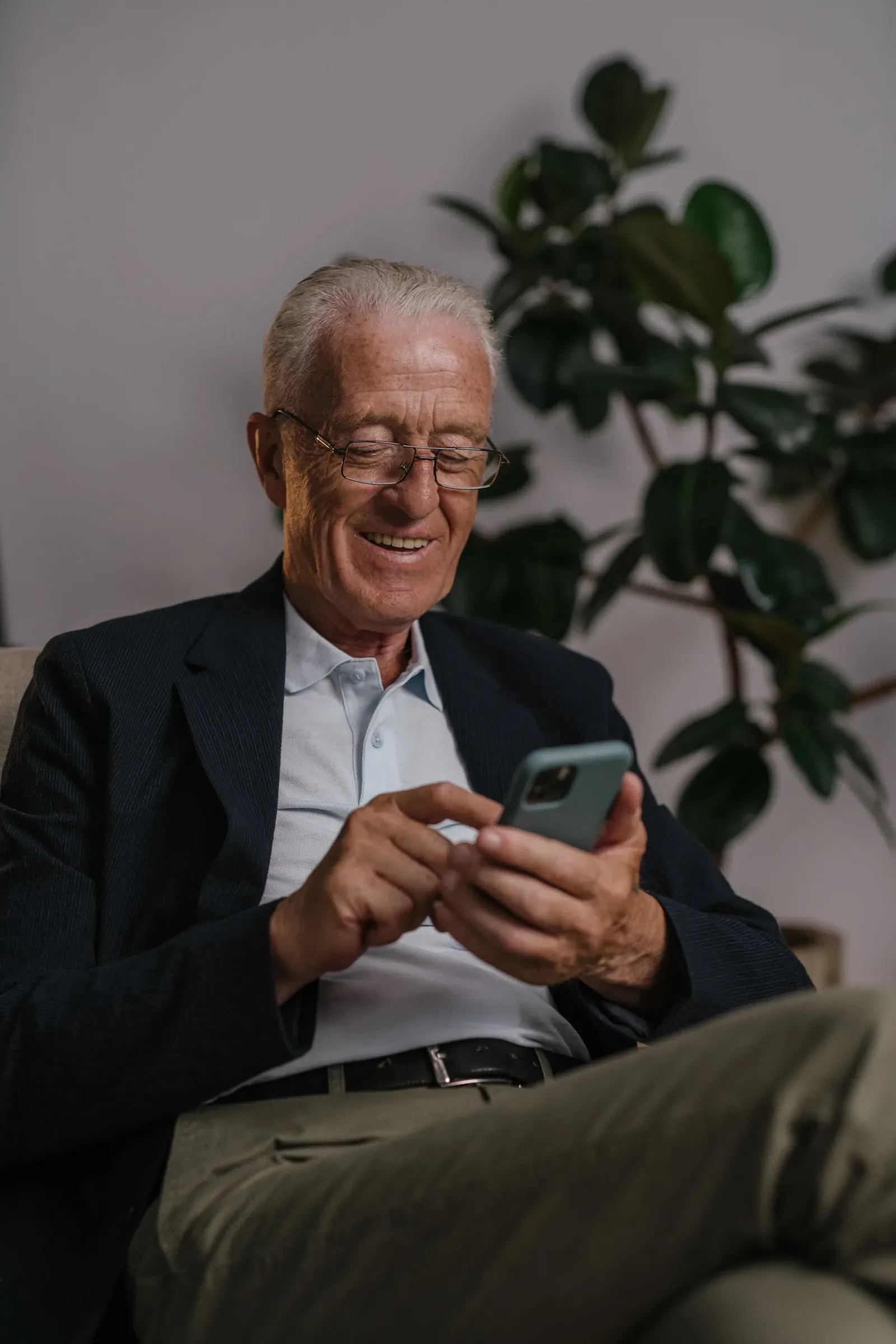
Technology can make it easier for an aging parent to call for help, remember a routine, stay connected, or share an alert with family. It can also create false confidence, invade privacy, expose sensitive data, or become one more system nobody maintains.
The best plan begins with a problem—not a product.
Name the problem first
Ask what the family is trying to improve:
Calling for help after a fall
Remembering appointments
Staying connected
Avoiding missed check-ins
Managing transportation
Reducing scam exposure
Coordinating siblings
Seeing who is at the door
Supporting an established routine
Then ask whether technology is the simplest response. Sometimes a scheduled phone call, companion visit, meal delivery, or home repair solves the problem better.
Put the parent in the decision
Unless another lawful decision-making arrangement applies, an older adult should understand and agree to devices placed in their home.
Discuss:
What the device collects
Who can see the information
When alerts are sent
Where cameras or sensors would be placed
Whether audio is recorded
How long information is retained
What happens if the internet or power fails
How to turn the device off
Who pays and manages the account
NIST recommends getting household agreement before buying smart-home technology and reviewing privacy and security features in advance. [2]
Avoid covert monitoring. It can damage trust and may create legal or ethical problems.
Medical-alert and emergency-response devices
An emergency alert system may use a wearable button, fall-detection feature, home base station, GPS, or monitored call center.
NIA notes that these systems may lower certain risks but must be set up correctly, worn, and maintained. They do not help in every emergency and cannot replace regular human check-ins. [1]
Compare:
Home-only versus mobile coverage
Cellular versus landline or Wi-Fi operation
Whether the person must press a button
Fall-detection limitations
Two-way communication
Battery life and charging
Waterproofing
GPS and location sharing
Response-center procedures
Equipment, activation, and monthly fees
Cancellation and return rules
Whether a caregiver app is required
Test the system with the parent and repeat testing regularly.
Remote monitoring and smart-home devices
Families may consider door sensors, smart locks, motion sensors, cameras, smart speakers, stove controls, or connected thermostats.
Use the least intrusive device that addresses the problem. A door-open alert may be sufficient where a camera is not. A smart plug may reduce appliance risk without recording anyone.
For connected devices:
Change default passwords
Use a unique password
Turn on multi-factor authentication
Enable automatic updates
Review who has access
Remove access when a helper’s role ends
Check data-sharing and retention settings
Secure the home Wi-Fi network
NIST emphasizes authentication, privacy controls, automatic updates, and protecting the home network. [2]
Smartphones and communication
A phone can support calls, video chats, transportation, calendars, photos, and emergency contacts. Too many apps or notifications can make it harder to use.
Simplify:
Put essential contacts on the first screen
Enlarge text
Remove unused apps
Silence unnecessary notifications
Set up emergency information
Practice one task at a time
Write short instructions
Keep account-recovery information secure
Ask permission before changing settings
Teach the parent how to pause when a message creates urgency.
A family scam rule
Create one memorable rule:
Never send money, share a code, install remote-access software, or move funds because of an unexpected call, text, email, or pop-up. Stop and verify through a trusted contact.
The FTC warns that caller ID can be faked and that scammers impersonate government agencies, family members, businesses, and technical support. [3]
Verification means contacting the organization using a number from an official statement, card, or website—not the number in the unexpected message.
Technology needs an owner and a backup
For every device, assign:
The account owner
Backup access
Who charges or tests it
Who receives alerts
Who responds
What happens when nobody answers
When the subscription will be reviewed
How the device will be removed or reset
An alert without a response plan is not a complete safety system.
Combine devices with people
Technology works best as one layer:
A medical alert for emergencies
Family check-ins
Companion visits
Home safety improvements
Transportation support
Healthcare follow-up
A backup contact
Scam-prevention conversations
No device guarantees safety, prevents falls, stops fraud, or proves that a parent can live alone. Use technology to support relationships and a realistic care plan—not replace them.